Upload a certificate
Store a Gas Safety certificate, EICR or EPC against the right property. Recording an expiry date helps you keep track of what needs attention.
Open the right property
Select the property in Properties, then select Edit in its Compliance Health panel to open Edit Compliance & Documents.
Find the certificate card
Find the Gas Safety, EICR or EPC card as appropriate. Use Upload (or Replace for an existing file). Relevant prescribed documents can also be stored in a room’s Pack tab where available.
Check the document and dates
Enter the date requested and check any expiry or next inspection date against the certificate. Make sure the document covers this property.
Upload and save
Choose the certificate file and save the record. Check that the file and date appear correctly; applicable tracking indicators and reminders reflect the recorded information.
Give tenants the required documents
Uploading is not the same as serving a document. Where the gas safety record requirements apply, give existing tenants a copy within 28 days of the check and new tenants a copy before they occupy. Check the applicable rules for the property’s jurisdiction.
An upload, score or reminder does not prove legal compliance, validate a certificate or replace required inspections and tenant service.
Screenshot guide
A certificate record
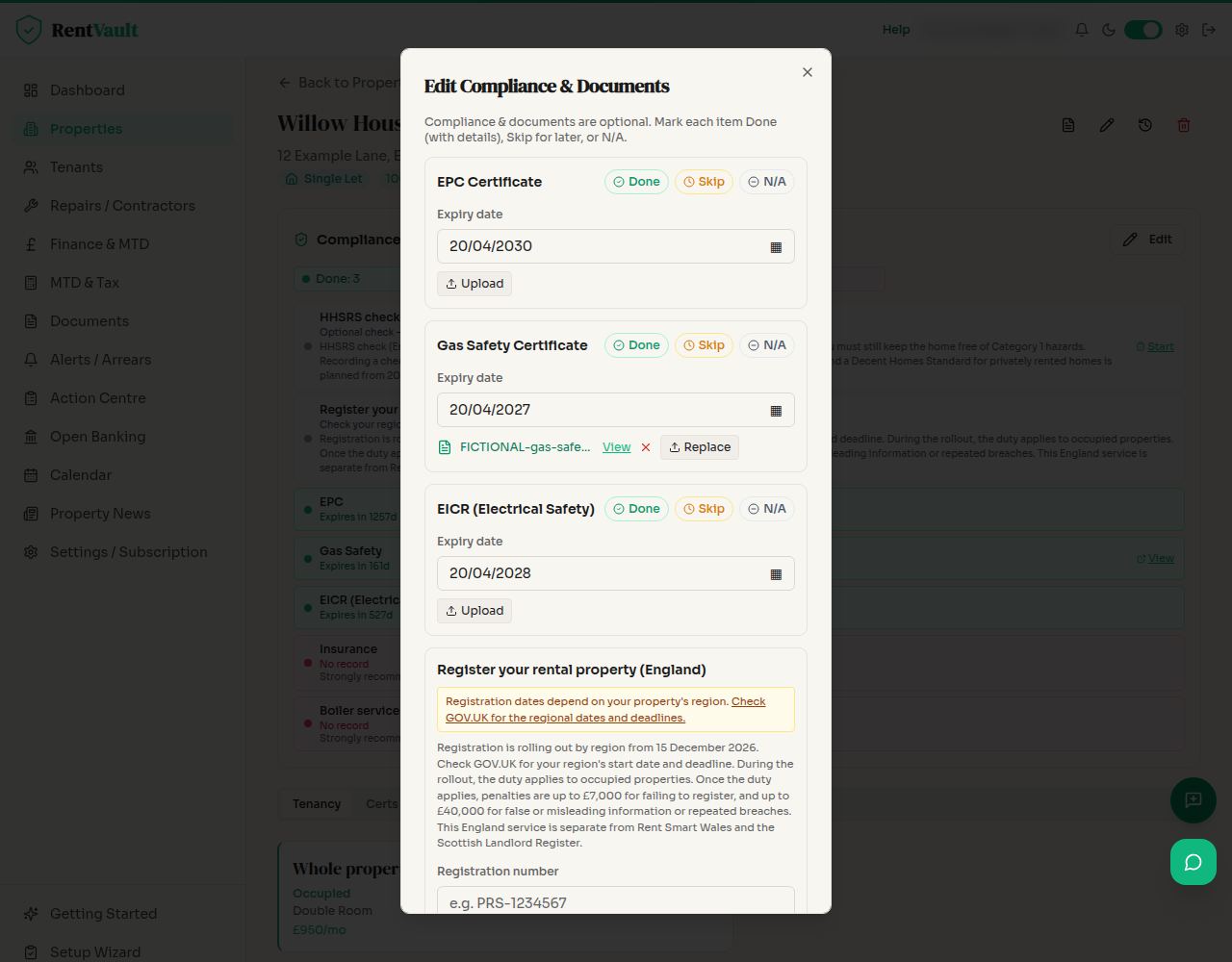
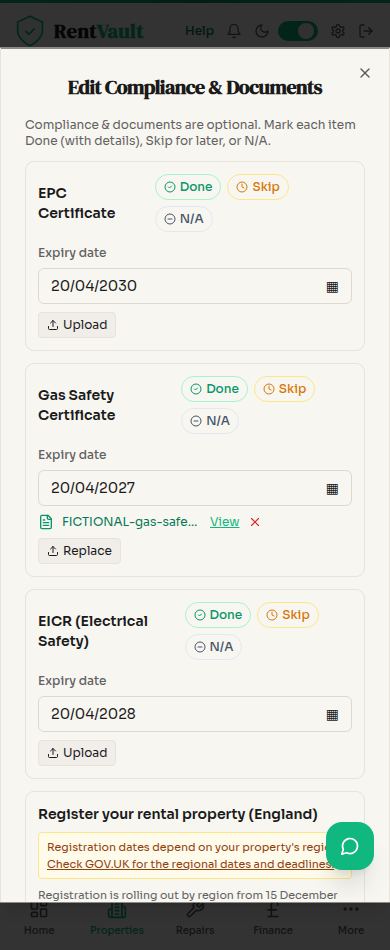
Open Properties — sign in to use the app.
Need more help? Read how to use Iain, or email hello@rentvault.co.uk.