Ask Iain
Iain is RentVault’s AI guide. Use the in-app chat for practical questions about navigating RentVault and organising your landlord records.
Sign in and find Ask Iain
Open the Ask Iain bubble at the bottom right of the app. Message allowances can depend on your plan.
Ask one practical question
Try “Where do I upload a Gas Safety certificate?” or “How do I export quarterly figures?” Explain the task without sharing unnecessary personal information.
Use the right screen for files
Keep certificate and tenant files in the relevant property record or room Pack tab where available, not in a chat message. Check important details against your saved records rather than relying on a chat answer.
Check important advice
AI answers can be incomplete or wrong. For legal grey areas, speak to a solicitor or the NRLA where appropriate; for tax decisions, ask your accountant.
Email if you still need a hand
Contact hello@rentvault.co.uk with a short description of the issue. Do not send bank credentials or unredacted tenant documents.
Iain’s guidance is not legal or tax advice and cannot guarantee that your property or records meet all applicable requirements.
Screenshot guide
The in-app guide
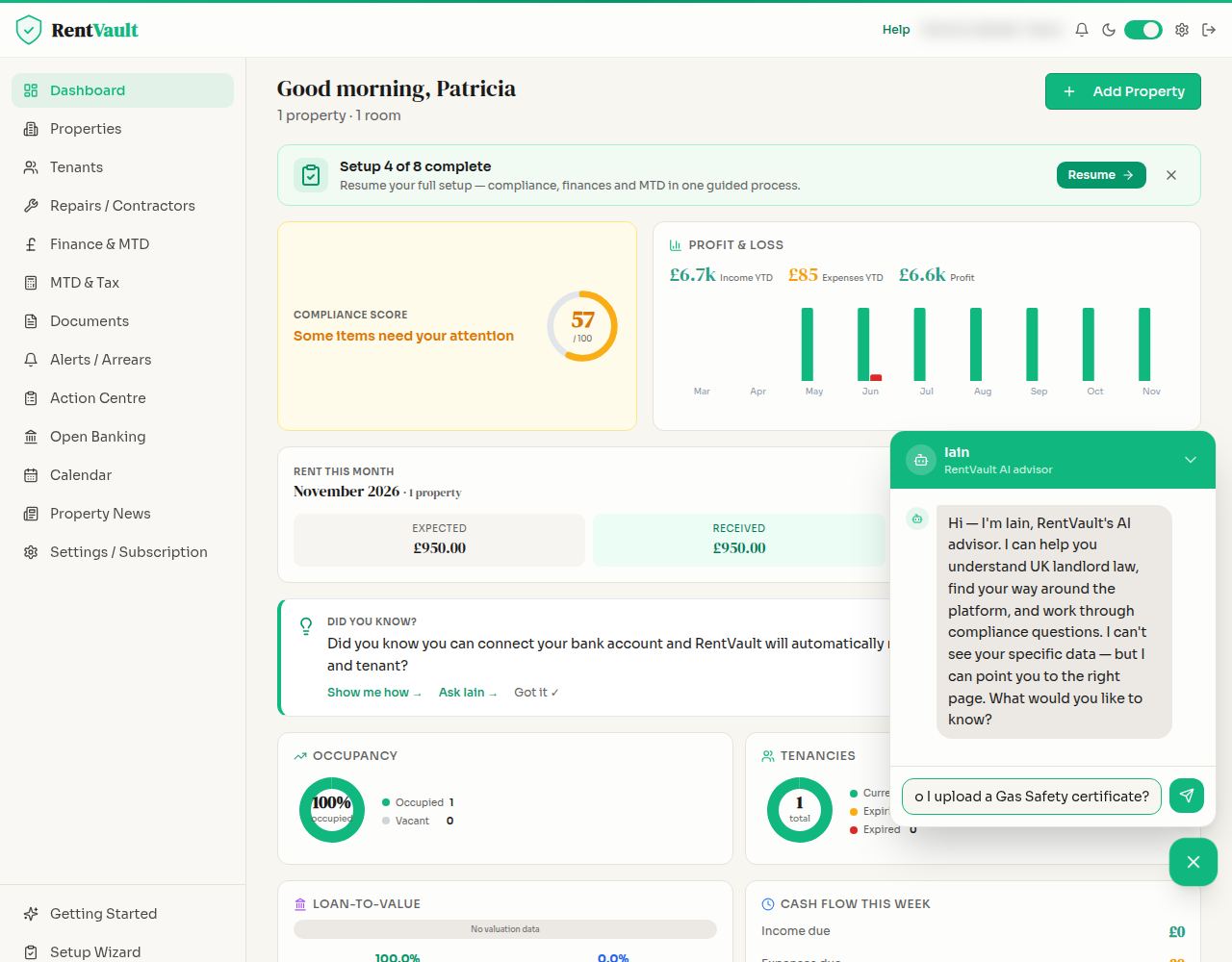
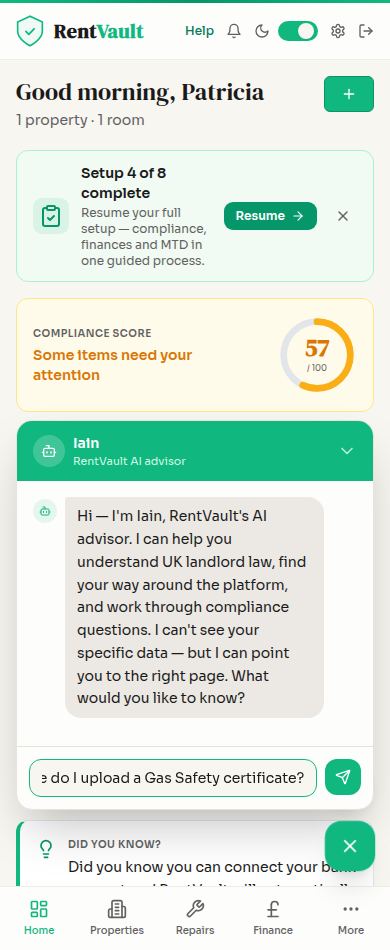
Open RentVault — sign in to use the app.
Need more help? Read how to use Iain, or email hello@rentvault.co.uk.