Export MTD quarterly figures
RentVault organises recorded income and expenses into quarterly figures for your accountant or compatible software. RentVault does not submit to HMRC.
Open MTD and check the period
Select the right tax year and quarter. Make sure the records you are reviewing cover that period.
Review income and expenses
Check property allocation, categories, missing records and duplicates. A bank feed may not include all the history you need.
Review the quarter-close checklist
Work through the checks shown and confirm that any corrections are complete. The checklist helps with record review; it is not a tax assessment.
Open Export
Choose the appropriate export and download the Excel file, or use the accountant email option where available. Export features depend on your plan.
Pass the figures on for filing
Give the quarterly income and expense figures to your accountant or compatible software. Review the figures with them; downloading or emailing the file does not submit anything to HMRC.
RentVault is a record-keeping and export tool, not an HMRC filing service. Your accountant or compatible software handles any required submission.
Screenshot guide
The Export tab
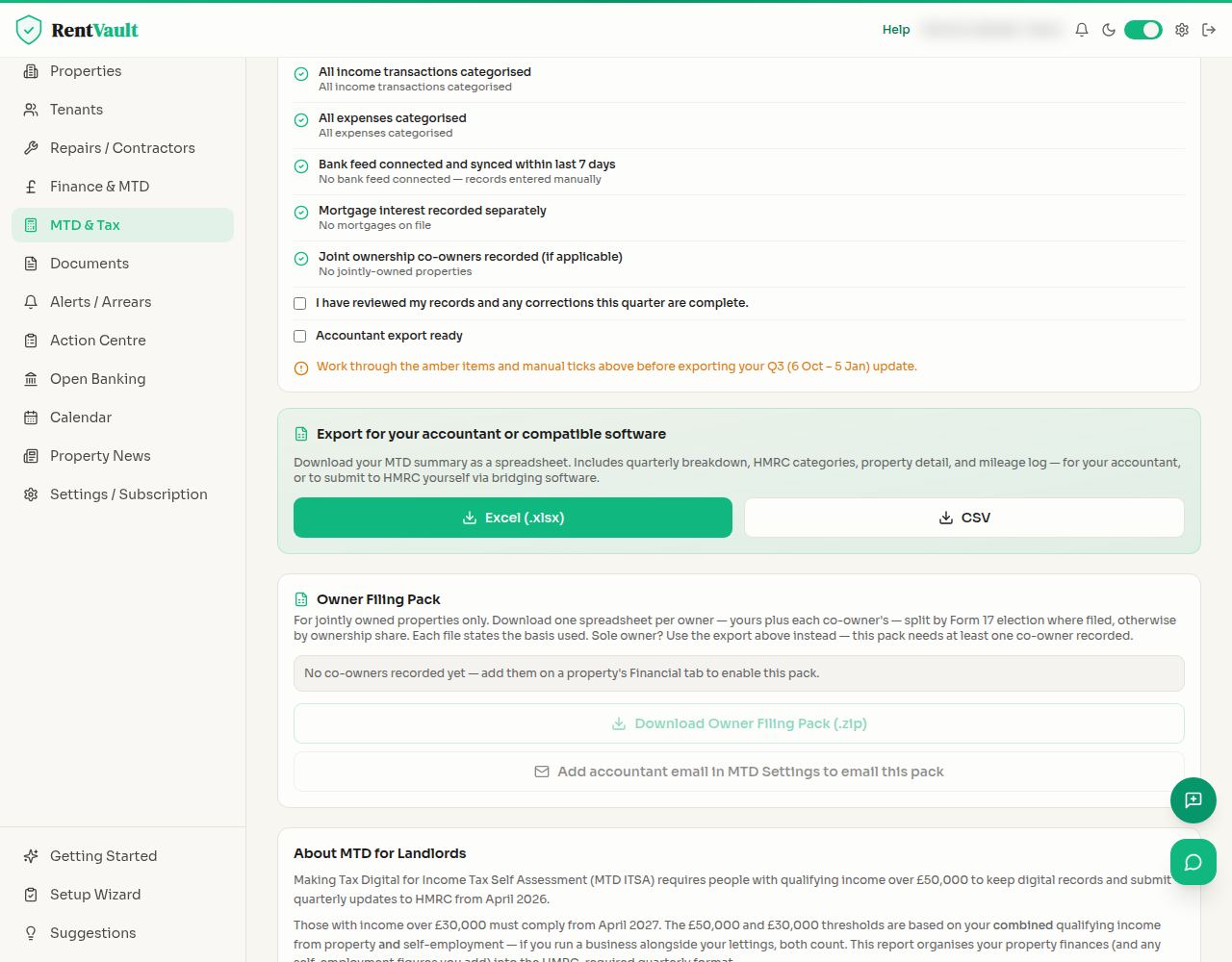
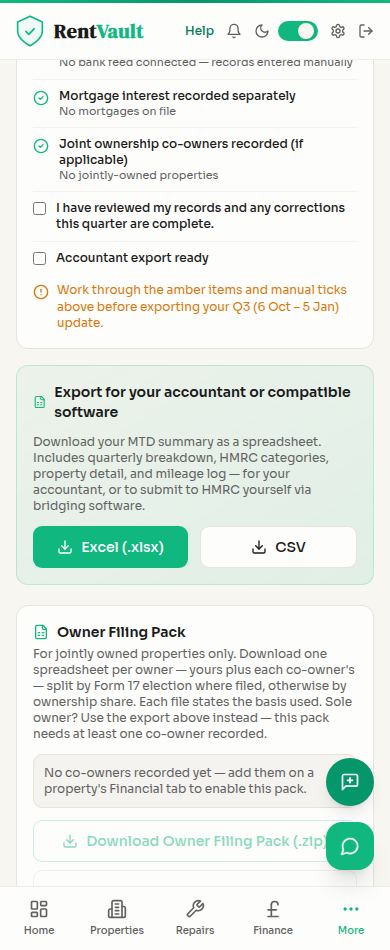
Open MTD — sign in to use the app.
Read the landlord’s guide to Making Tax Digital
Need more help? Read how to use Iain, or email hello@rentvault.co.uk.