RentVault · Help Centre

Documents & agreements

Keep the file, the record and any required tenant service distinct. Storing or generating a document is not the same as checking its suitability or serving it correctly.

  1. Start with Documents

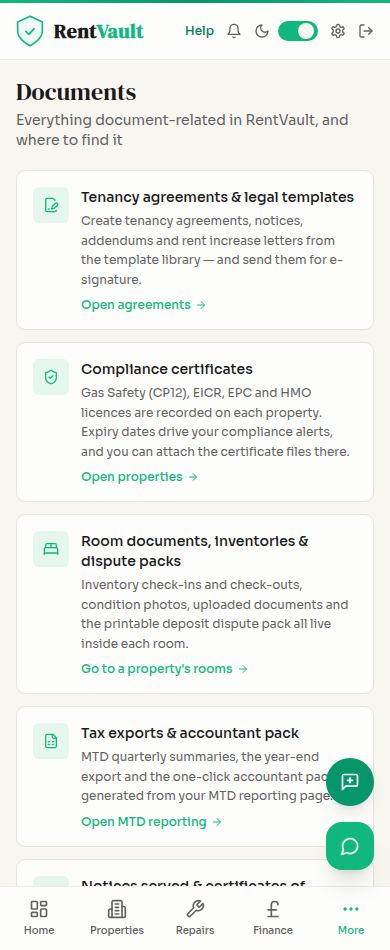
    Open Documents to explore the document tools available on your plan. Review any template carefully before using it.

  2. Keep property certificates with the property

    Store the relevant certificate in the correct property record and check the recorded dates against the file.

  3. Use the room’s Pack tab where available

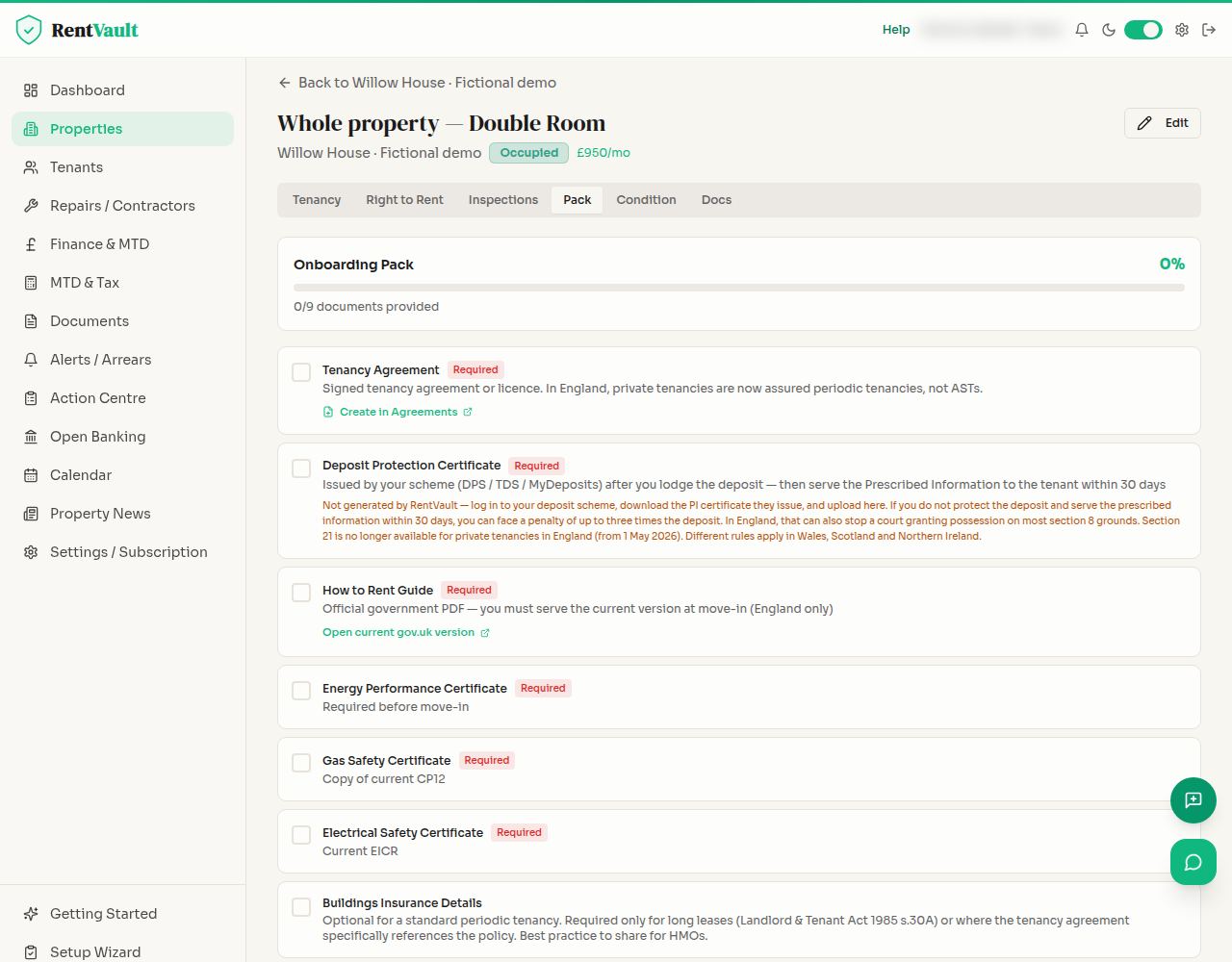
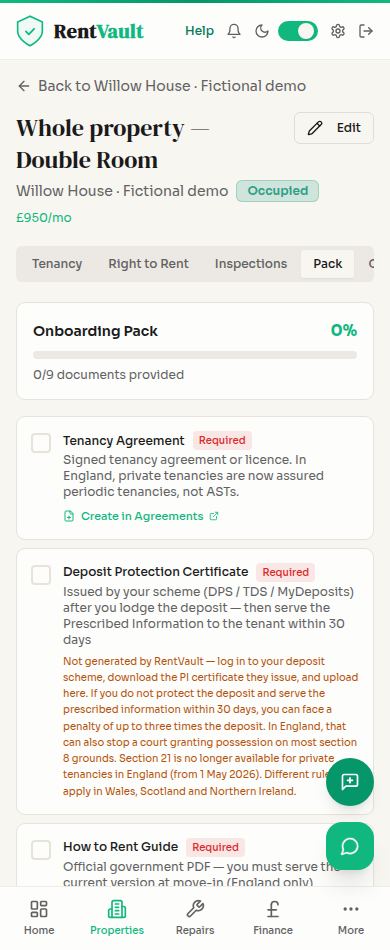
    Open the property, then the room and Pack. Review the relevant tenant documents and keep evidence of any required service separately.

  4. Review Agreements

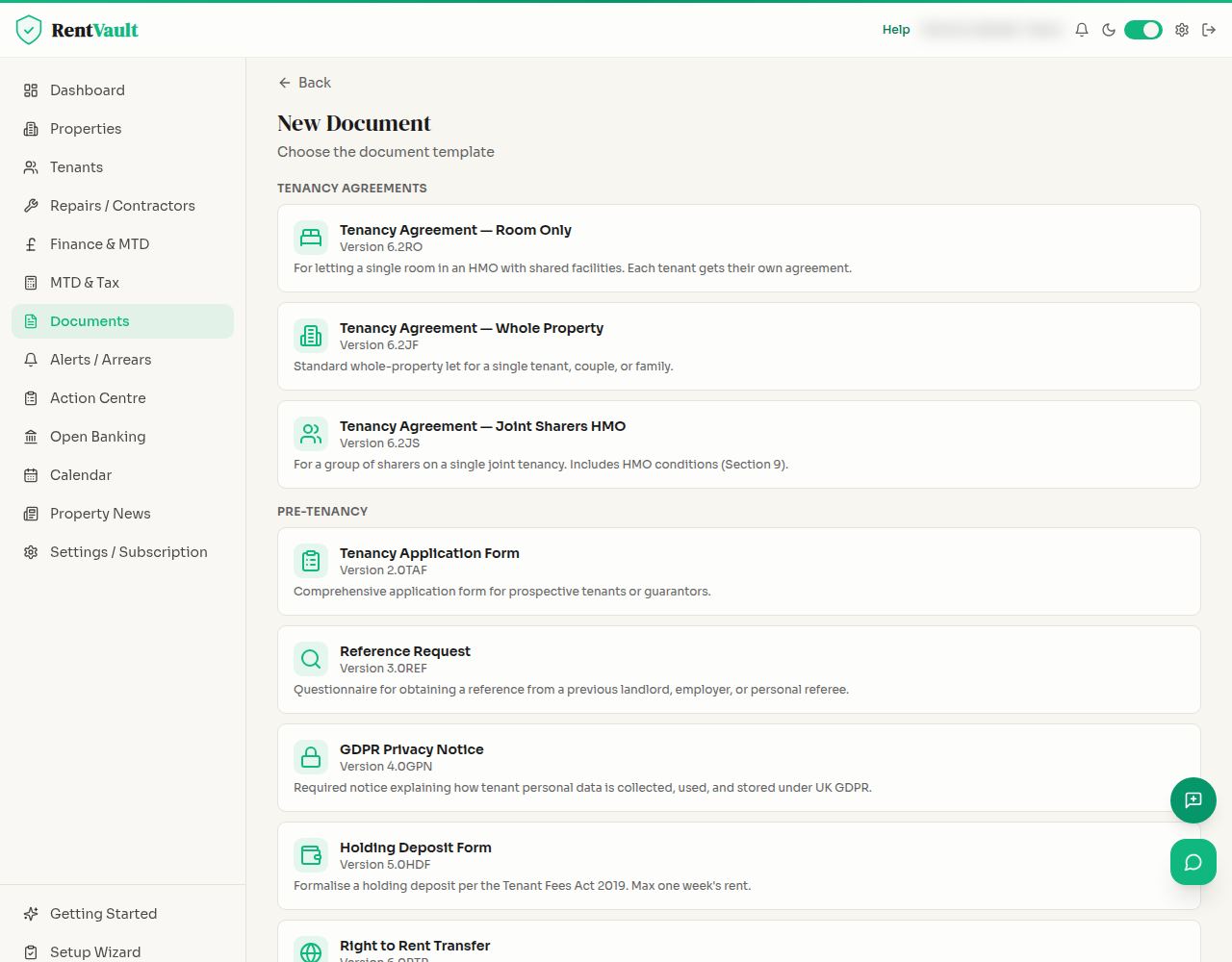
    Open Agreements to review your agreement workflow. Check the parties, property, tenancy type and jurisdiction before using an agreement or arranging signing.

Templates, document packs and signatures do not guarantee legal compliance or valid service. England-specific documents may not be appropriate elsewhere; ask a qualified adviser where needed.

Screenshot guide

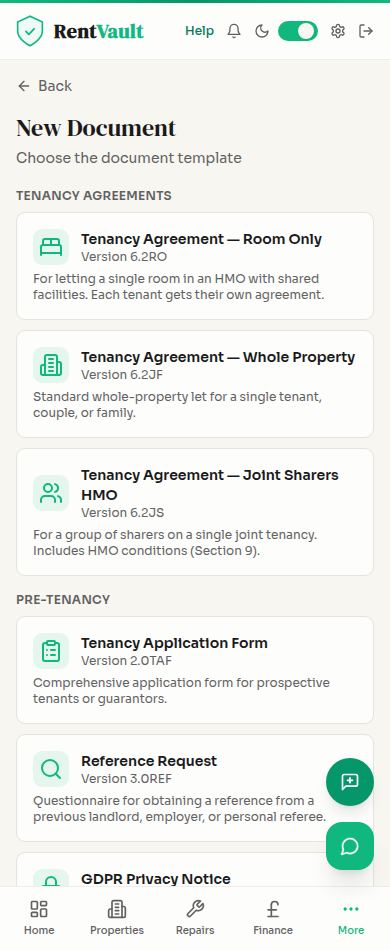
01 / Document tools
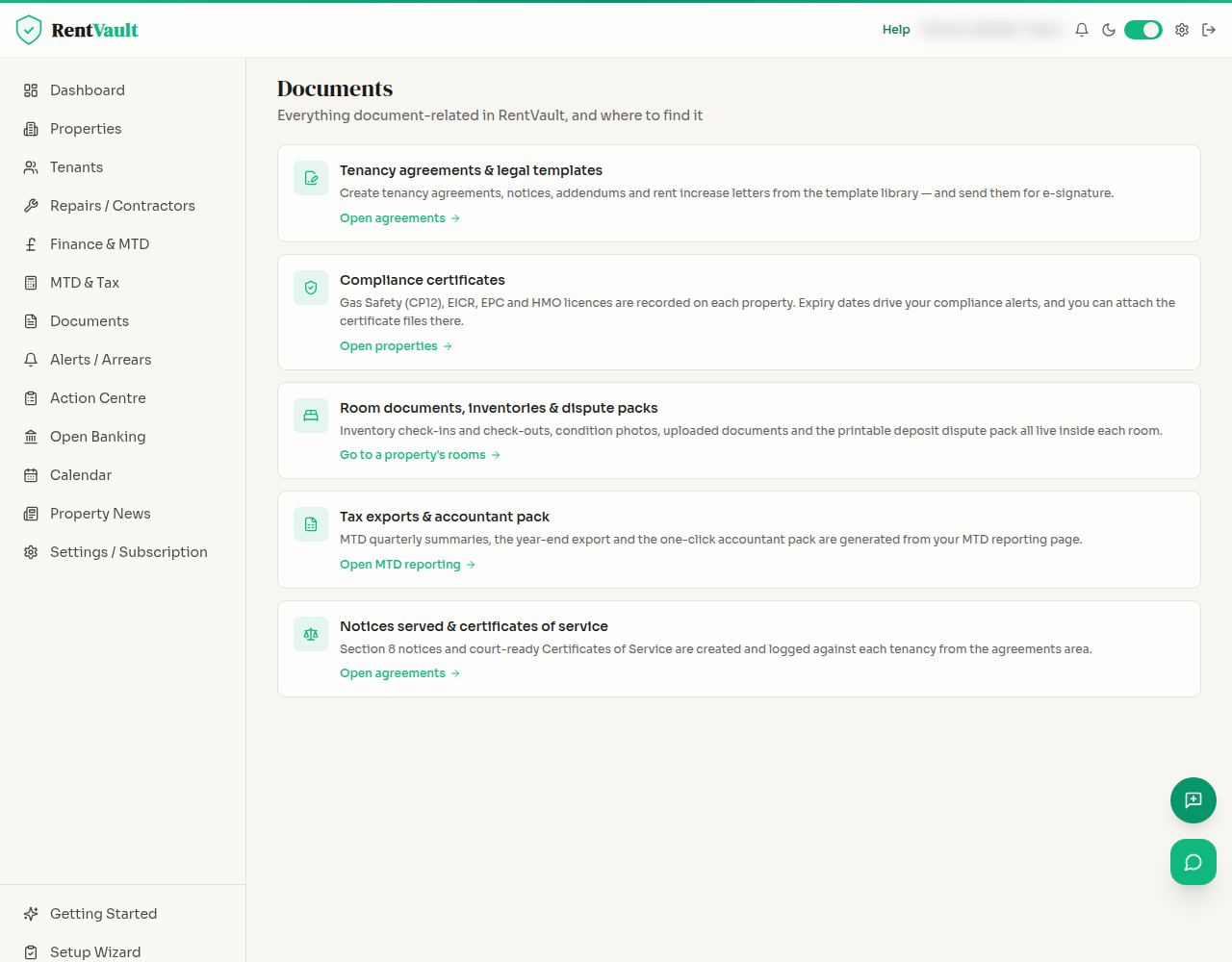
Documents: available document tools and template choices without any customer files. Desktop view (1280px).
Documents: available document tools and template choices without any customer files. Mobile view (390px).

02 / A room’s document pack

Room Pack tab: the document checklist for a fictional tenancy. No customer files or personal details are shown. Desktop view (1280px).
Room Pack tab: the document checklist for a fictional tenancy. No customer files or personal details are shown. Mobile view (390px).

03 / Agreement workflow

Agreements: test agreement workflow with dummy parties and property details. Desktop view (1280px).
Agreements: test agreement workflow with dummy parties and property details. Mobile view (390px).

Open Documents — sign in to use the app.

Need more help? Read how to use Iain, or email hello@rentvault.co.uk.