Your compliance dashboard
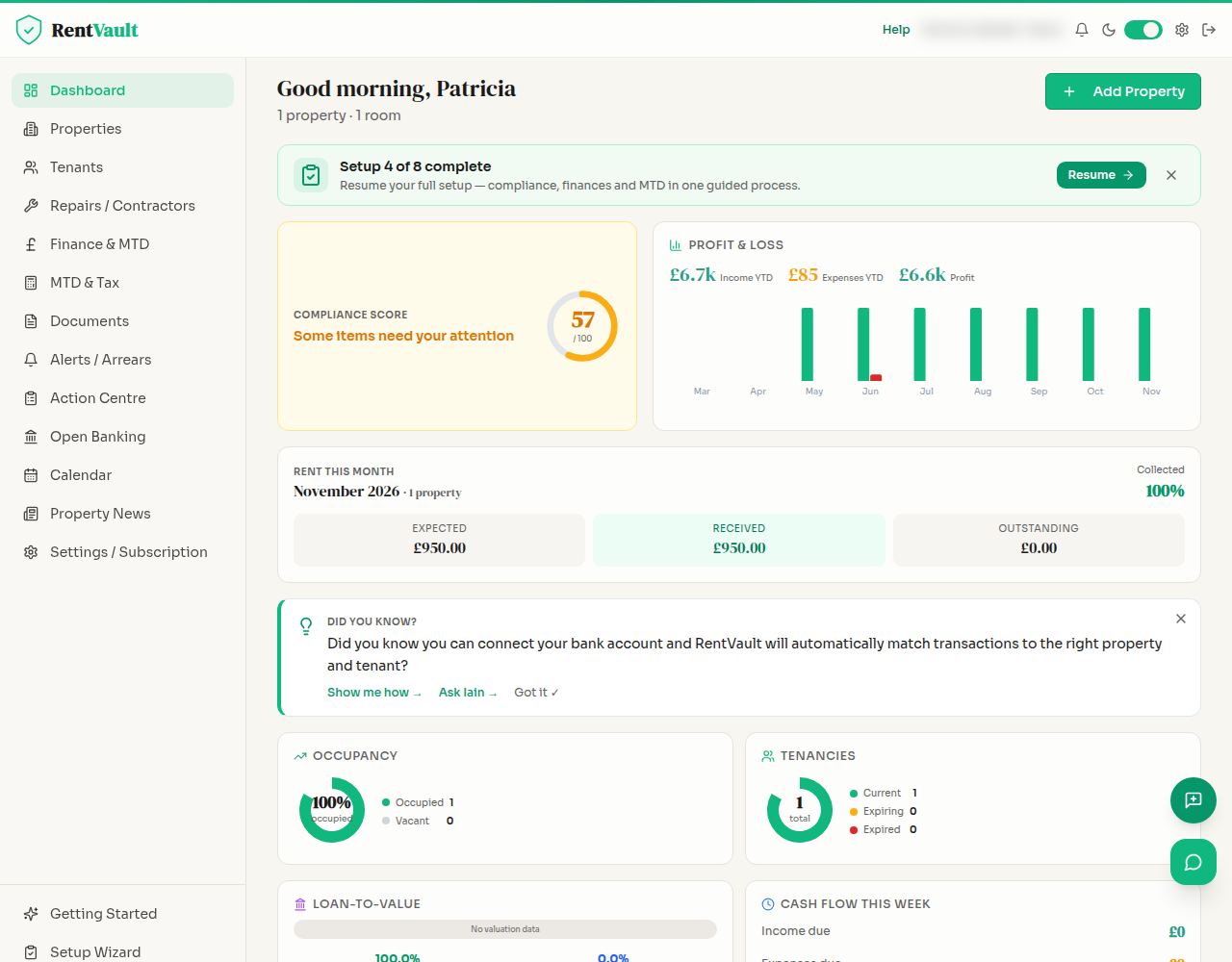
Use the dashboard to spot records that need attention, then check the detail at property level. Tracking is only as useful as the information you keep up to date.
Start with the dashboard
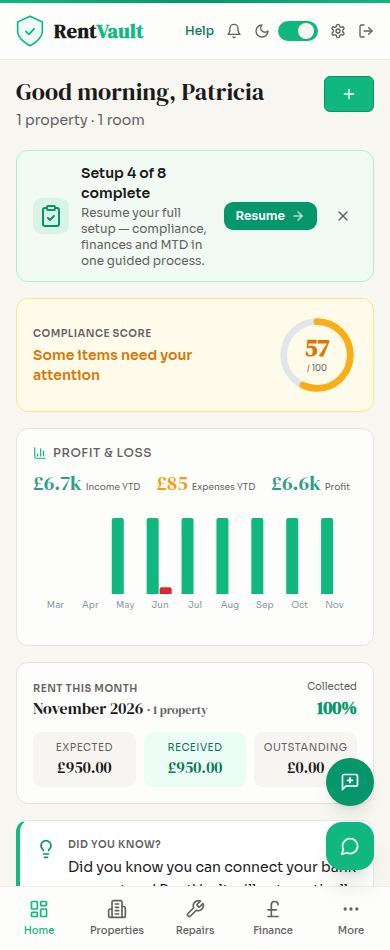
Review the summary and items flagged for attention. Indicators describe the information recorded, not an independent legal assessment.
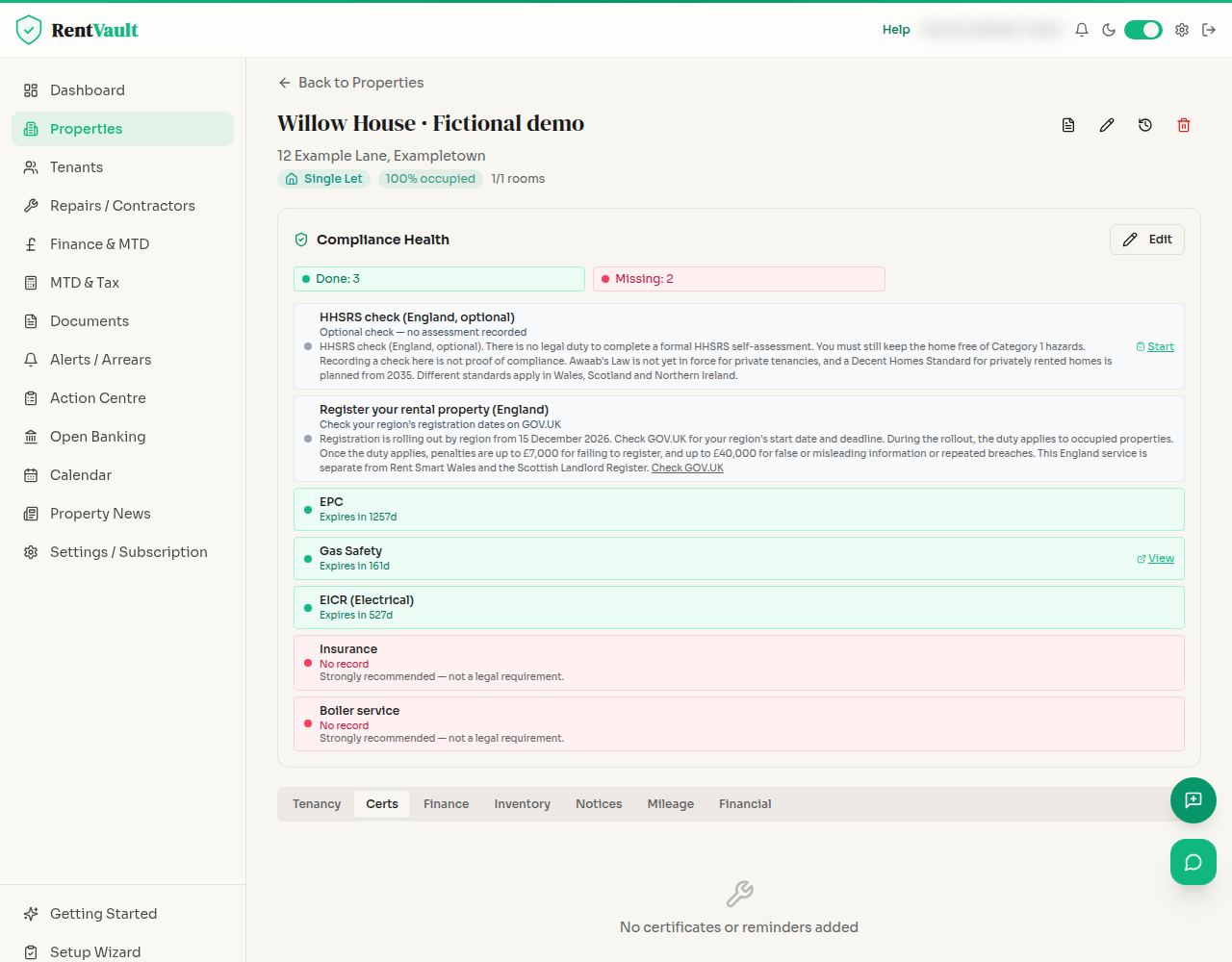
Open a property to check the detail
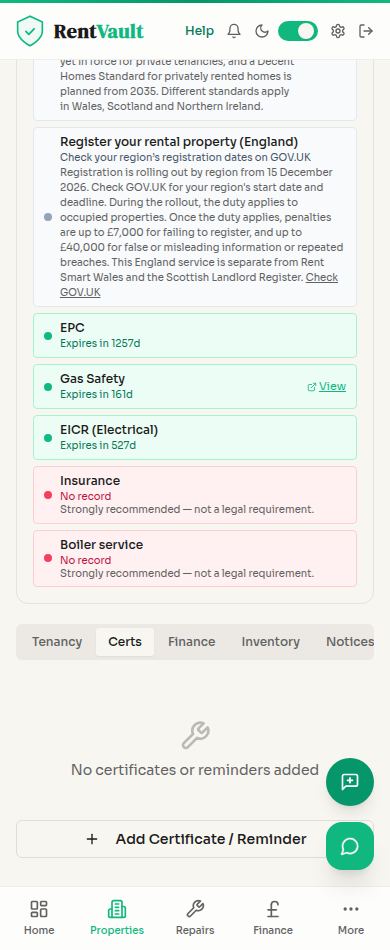
Review the applicable safety records, dates and supporting documents. Check that the property type and jurisdiction are correct.
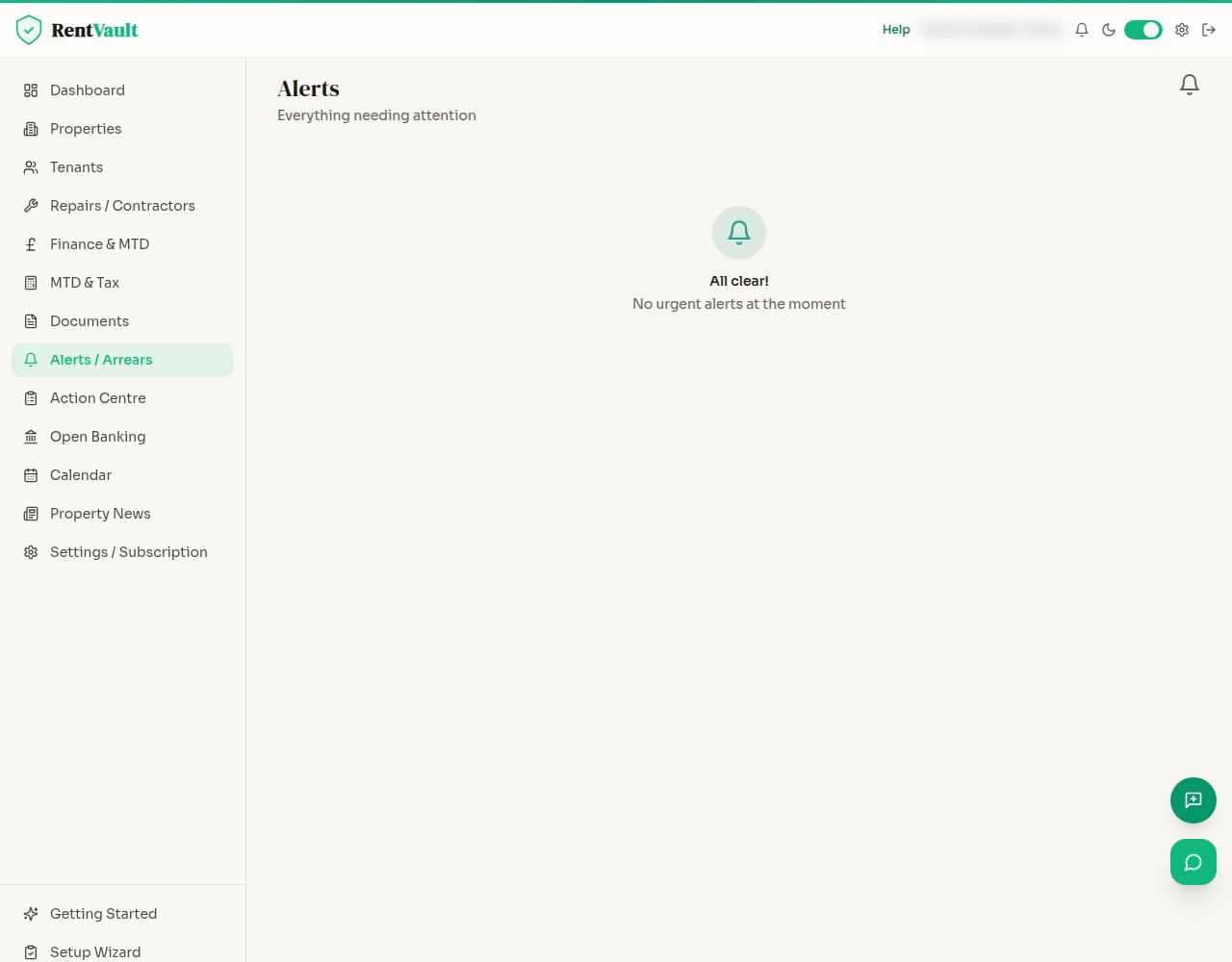
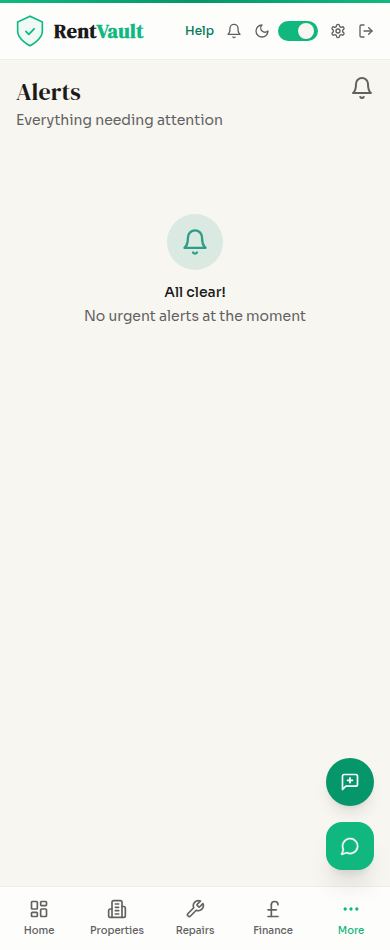
Review Alerts
Open Alerts to review upcoming or overdue items. Follow up on the underlying task rather than simply clearing an alert.
Keep evidence current
Update records when an inspection, renewal or required tenant service has actually been completed. Check local and national requirements with an appropriate adviser if unsure.
Scores, reminders and checklists do not guarantee legal compliance. Requirements vary across England, Wales, Scotland and Northern Ireland and by property and tenancy type.
Screenshot guide
01 / The portfolio overview
02 / The property detail
03 / Alerts and follow-up
Open the dashboard — sign in to use the app.
Need more help? Read how to use Iain, or email hello@rentvault.co.uk.