Add a tenant
Tenant details sit inside the property’s room record. A Single Let creates one room automatically; for an HMO, choose the relevant room.
Open the property and room
Go to Properties, select the property, then open the room you want to let.
Open Tenancy
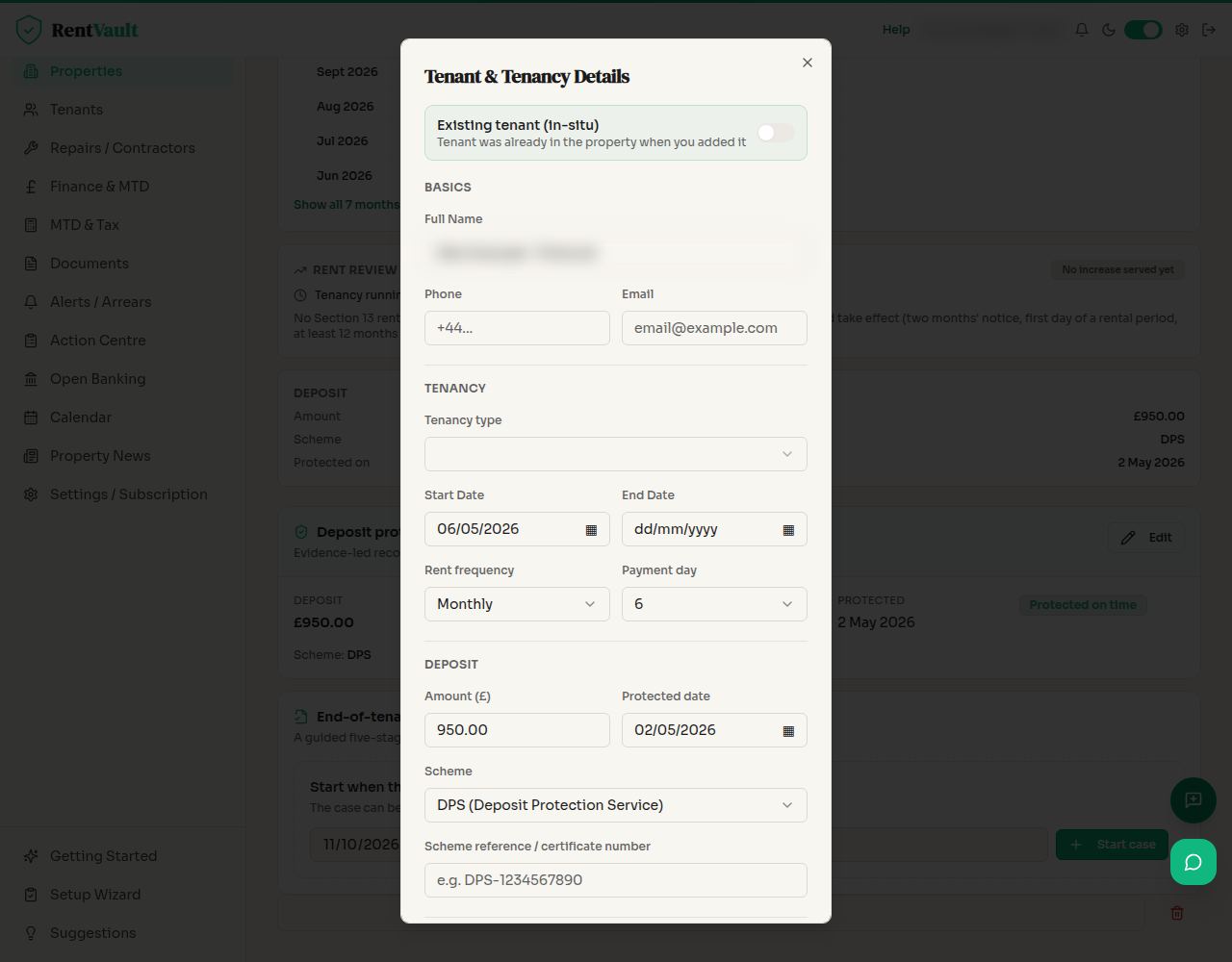
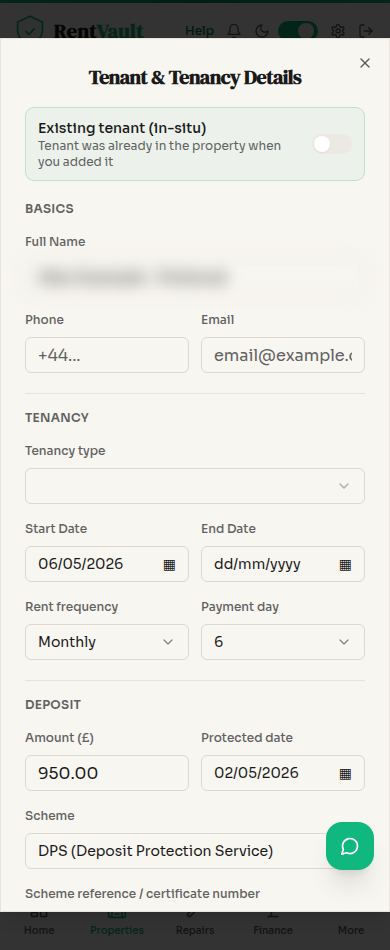
Use the Tenancy tab and open the tenant form. Enter the tenant’s name and check that you are recording them against the correct room.
Record the rent and dates
Enter the rent, rent frequency, Payment day and start date. For assured private tenancies in England starting on or after 1 May 2026, leave fixed-term fields blank. Different tenancy rules apply elsewhere and to excluded tenancy types; check the applicable regime.
Record deposit protection
For applicable assured tenancies in England, protect the deposit in an authorised scheme and serve the prescribed information within 30 days of receipt. Recording it in RentVault does not do either task for you. Check the relevant rules for Wales, Scotland or Northern Ireland.
Save Tenant & Tenancy
Save the form, then review the saved tenancy, rent and deposit details. Use the room’s Pack tab for relevant supporting documents where available.
This guide is about recording a tenancy, not choosing a legally suitable tenancy agreement. Ask a qualified adviser if the tenancy type or jurisdiction is unclear.
Screenshot guide
The room’s Tenancy tab
Open Properties — sign in to use the app.
Need more help? Read how to use Iain, or email hello@rentvault.co.uk.